
Checked 26 November 2026. Disclosure: UK Outdoor Advertising Journal is published by people connected with TRZY UK, which plans advertising campaigns. Third-party figures are published market information, not TRZY UK prices. About this site and our disclosure.
The short answer
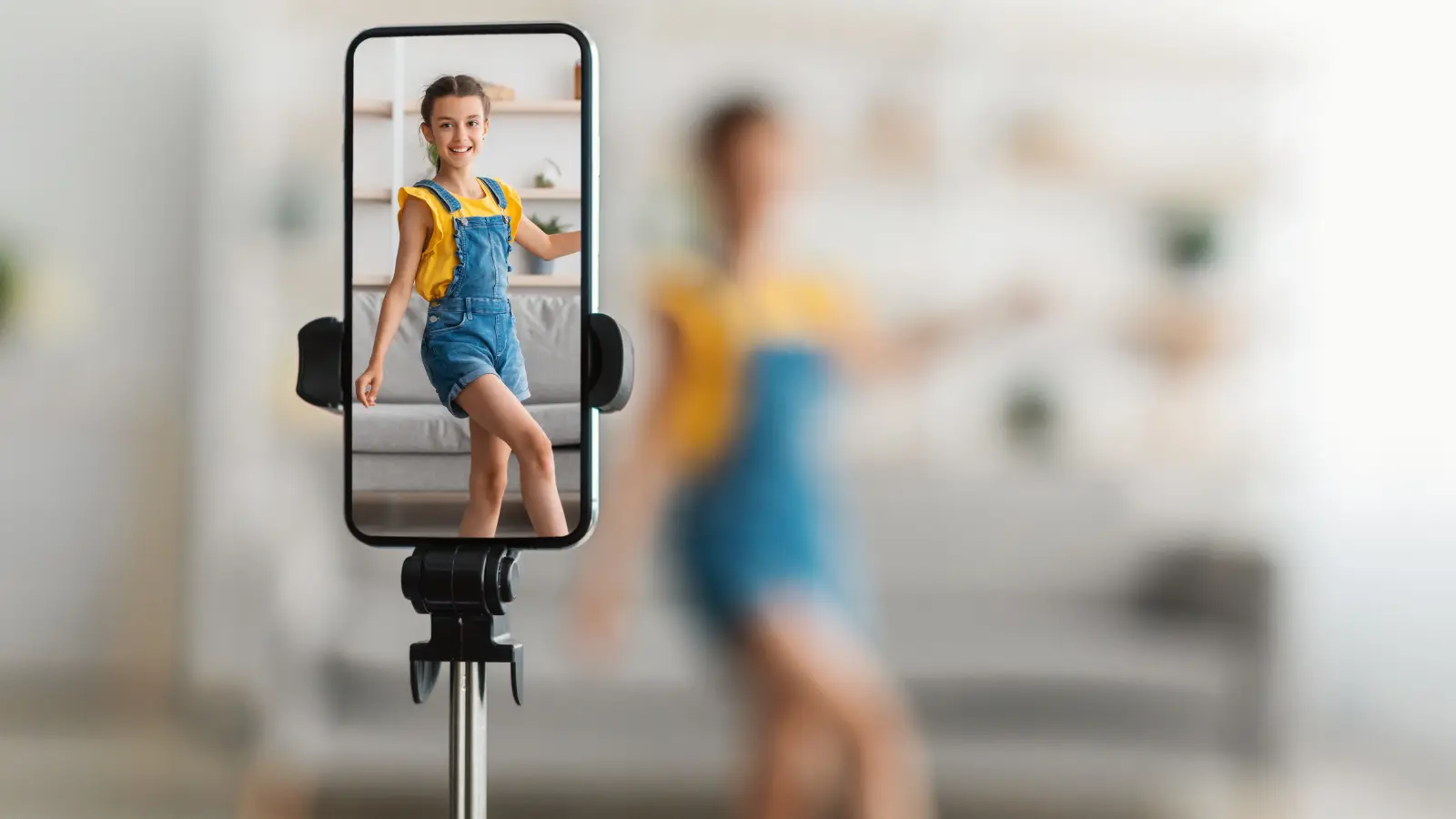
Social video rarely works on a digital billboard without changes. Outdoor screens are silent, viewed from a distance, shown for a fixed spot length and often restricted on motion. Adapt by cutting to the owner’s spot length, making the message work without sound, re-cropping for the screen’s exact pixels, enlarging all text and checking whether motion is allowed at all.
Adaptation checklist
| Social habit | DOOH adaptation |
|---|---|
| Sound and voiceover | Screens are silent; Clear Channel (now Bauer Media Outdoor)’s roadside specification states screens do not emit sound (Clear Channel). Carry the message visually |
| 15–60 second edits | Cut to spot length: often 6–12 seconds depending on owner (JCDecaux specs) |
| Hook in the first second | Make the first frame work as a still; viewers may join mid-spot |
| Vertical 9:16 | Re-crop to each screen’s pixels; portrait 6-sheets may reuse vertical framing, landscape screens need a new layout |
| Small captions | Fewer, much larger words; above the owner’s minimum text size |
| Fast cuts | Slower, simpler motion; avoid flashing |
| Logo at the end | Brand visible throughout |
| Motion everywhere | Many roadside screens are static-only; supply a still version |
Workflow
- Collect each screen’s specification.
- Pick the clearest visual moment from the social edit.
- Rebuild per format: still, short motion, portrait, landscape.
- Test on a large monitor from distance and in daylight.
- Submit for approval by the owner’s deadline.
More: digital creative specs and billboard creative checklist. TRZY UK adapts video for DOOH screens.
Worked example: from a 30-second social video to DOOH
A 30-second vertical video with voice-over and captions becomes: a 10-second landscape or portrait cut, depending on the screen; no reliance on sound; the brand visible from the first second; one short line of large text; and a still end frame with the logo. Text that looked fine on a phone often needs to be two or three times larger in proportion on a roadside screen.
Mistakes to avoid
- Relying on sound or speech that roadside screens do not play.
- Fast cuts and small captions that cannot be read at distance.
- Sending one file and expecting it to fit every screen.
- Leaving the logo until the end.
Before you book
- Get every screen specification first.
- Plan the cut for the shortest slot length.
- Check motion rules for roadside screens.
- Review each file at real scale.
Can creators’ content be reused?
Only with the right permissions for outdoor use, which may differ from social use. Agree usage rights in writing. See creative specifications.
Related guides
 DOOH & Creative TechnologyDigital Billboard Creative Specifications: What Buyers Need to Check
 DOOH & Creative TechnologyHow Much Does Digital Billboard Advertising Cost in the UK?
 DOOH & Creative TechnologyDOOH Advertising in the UK: How Digital Out-of-Home Works